Generate & Download Schulte Table PDF
Generate and download free Schulte Table PDFs in any size. Each PDF is freshly randomized — perfect for offline training, classroom use, or printing at home.
Generate & Download Your PDF
Time Spent:
5×5 Schulte Table #1
PDF Library – All Grid Sizes
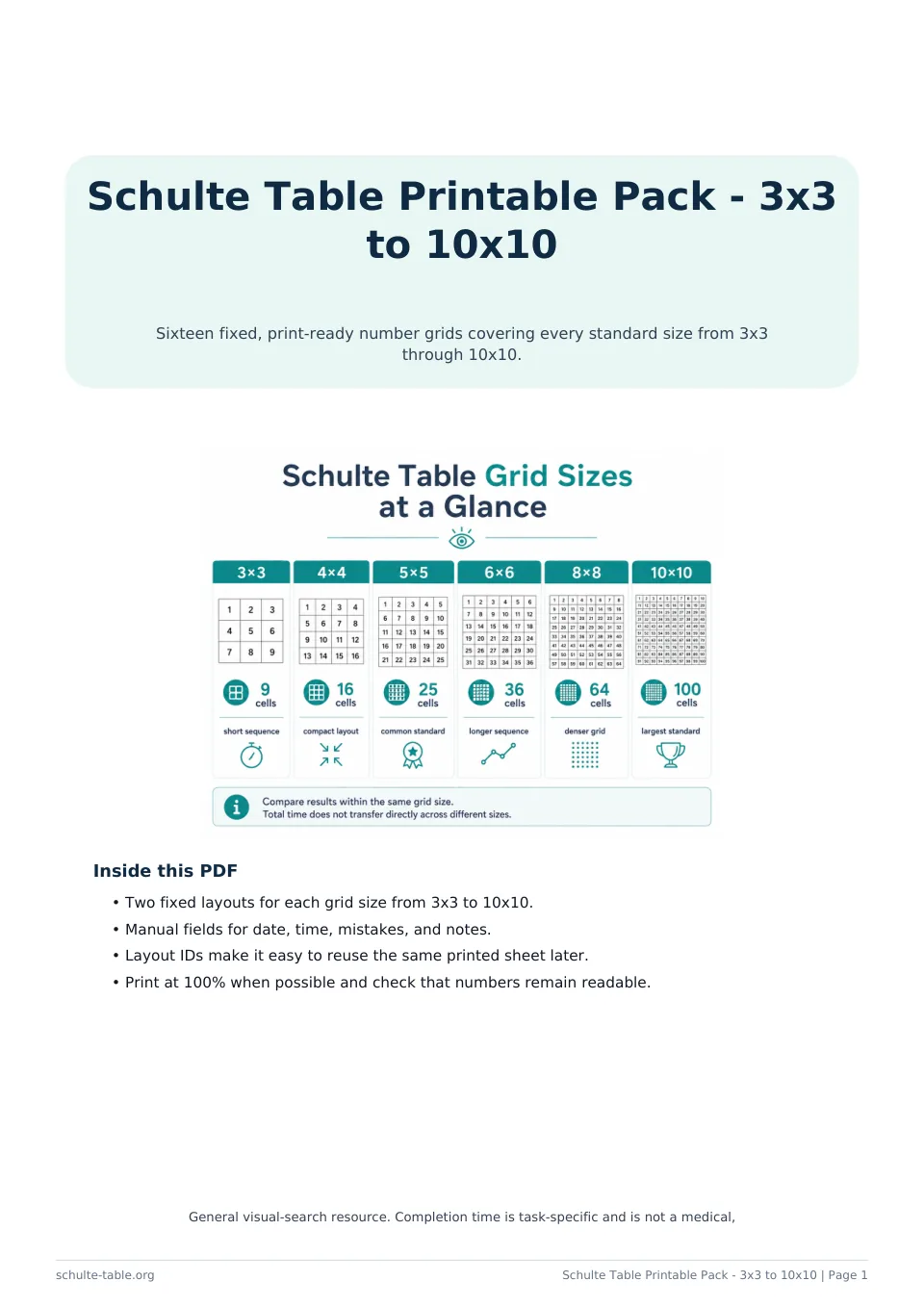
| Grid | Numbers | Level | Per Page | Best For |
|---|---|---|---|---|
| 3×3 | 9 | Beginner | 4 per page | Children, warm-up |
| 4×4 | 16 | Easy | 4 per page | Beginners, kids |
| 5×5 | 25 | Standard | 2 per page | General training |
| 6×6 | 36 | Intermediate | 2 per page | Speed reading |
| 7×7 | 49 | Intermediate | 1–2 per page | Advanced training |
| 8×8 | 64 | Advanced | 1 per page | Endurance |
| 9×9 | 81 | Expert | 1 per page | Elite training |
| 10×10 | 100 | Expert | 1 per page | Maximum challenge |
Start Training Now
Download your PDF and start training offline today — or try the interactive version online.
Why Download a Schulte Table PDF?
A Schulte Table PDF gives you the flexibility to train anywhere — without a screen, internet connection, or device. Printed sheets are ideal for travel, classroom settings, rehabilitation programs, and any situation where digital training isn't practical.
PDF downloads are also useful for sharing. Teachers can print a class set of 5×5 grids for a focus training exercise. Coaches can distribute 3×3 sheets to young athletes as a warm-up activity. Therapists can include printed grids in cognitive rehabilitation homework packets.
Each PDF is generated with a freshly randomized grid, so every download is unique. You can generate and download as many PDFs as you need — there's no limit and no account required.
How to Save as PDF
Select Grid Size
Choose from 3×3 to 10×10 using the size buttons above the grid.
Choose Number of Copies
Select 1, 2, 4, or 6 copies. Multiple copies print on the same page where space allows.
Click Print / Save PDF
This opens your browser's print dialog.
Select 'Save as PDF'
In the print dialog, change the destination/printer to 'Save as PDF' (Chrome/Edge) or 'PDF' (Safari/Firefox).
Save and Use
Click Save. Your PDF is ready to print, share, or use offline.
Improve Your Focus Today
Download a PDF and start your first offline training session.
Frequently Asked Questions
How do I download a Schulte Table PDF?
Click 'Print / Save PDF', then in your browser's print dialog select 'Save as PDF' as the destination. This creates a PDF file you can save, share, or print later.
Are Schulte Table PDFs free?
Yes, completely free. Generate and download as many Schulte Table PDFs as you need, in any size, with no account or payment required.
What sizes are available as PDF?
All sizes from 3×3 to 10×10 are available. Each PDF is generated with a freshly randomized grid, so every download is unique.
Can I use Schulte Table PDFs for commercial purposes?
Our generated PDFs are free for personal and educational use. For commercial use (e.g., in a training program you sell), please contact us.
How many Schulte Tables can I fit on one PDF page?
One large grid (8×8 to 10×10) per page, two medium grids (5×5 to 7×7) per page, or four to six small grids (3×3 to 4×4) per page. Select the number of copies in the generator above.